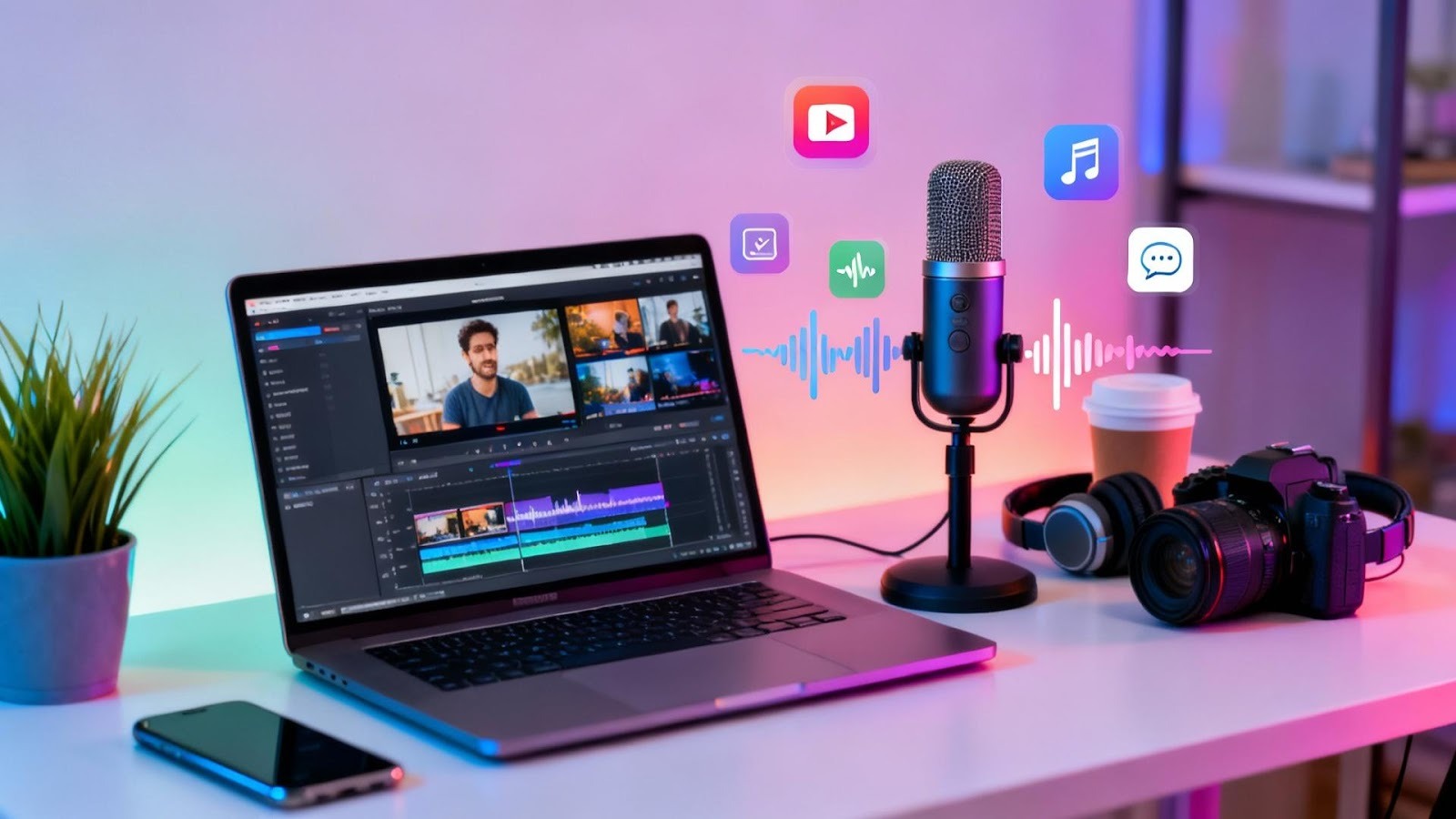
If you’re like me, you’ve spent hours hunting for affordable footage and perfect voice-overs. Free stock videos text to speech tools are a total game-changer. Quickly create high-quality videos without needing expensive equipment or a large budget.
These tools enable you to quickly make YouTube videos, faceless videos, and social media posts while saving you time and hassle. Plus, with royalty-free licenses and easy to use video editing software, you stay legit without the headache. I’ve seen how adding subtitles and captions really helps reach more people, too. So, this combo is perfect if you want professional looking stuff without the fuss.
Not too long ago, if you wanted to create high-quality content, you needed a lot of money to spend on equipment or hire people with technical expertise to produce your content. There’s been a paradigm shift in the industry due to the growing demand for new content daily on multiple platforms and tools that reduce the barriers associated with producing quality content.
Due to the increased availability of free stock footage and artificial intelligence (AI) voice-over capabilities, your audience expects clear video, good audio, and timely delivery of new content. Even independent creators can easily meet these expectations.
Such smart tools save time and hassles. Take ready-made visuals from the free stock footage libraries and transform your script into a narration in a few minutes. No additional filming headaches or expensive equipment.
In the case of creators who must meet strict deadlines or have a very small budget, they can spend more time developing a strategy, telling a story, and optimizing rather than on logistics.
Free stock footage means pre-recorded clips you can reuse, often even for commercial projects. They include everything from everyday moments to workspaces and abstract backgrounds.
Illustrate ideas or concepts.
Add motion to static content.
Support storytelling without custom filming.
Maintain visual consistency across projects.
When selected intentionally, stock footage blends seamlessly into original content.
Stock footage is important as attention spans are limited. Visual motion can keep the viewers active, particularly in teaching, advertising, and explainer videos.
As an SEO strategy, compelling visuals enhance behavioral on-page indicators such as scroll depth and dwell time. That is significant in ranking, particularly as Google is beginning to measure the user experience along with relevance.
Text-to-speech applications are Artificial Intelligence applications that convert your scripts into a natural voiceover that does not sound robotic. You choose the voice, adjust speed or tone, and receive narration in a hurry. This allows creators to scale up more easily, generating large amounts of consistent audio without recording all takes.
Ideal with teachers, bloggers, faceless channels, and multilingual content. It is important to remember that AI will complement and not eliminate creativity.
Blending Free Stock Videos to Text to Speech Good vs Bad Alignment
Alignment is the actual strength. Make your pictures fit with the text; they must support what you are saying, not steal it. Use clips explaining or emphasizing major points. No random footage allowed.
Powerful content has a narrative flow. Begin with a subject, take the viewer through the highlights, and leave it well-defined or oriented.
The narration is the guide, and the pictures are the context. By keeping the two in balance, the viewers remain involved and get the message more conveniently.
Tone is more than most creators know. Educational content should include a calm and instructional tone, whereas lifestyle or brand storytelling should use a warmer and more conversational voice.
Visual style should match that tone. Minimalistic visuals and clean images are best suited to a professional delivery, and dynamic clips with a dynamic delivery.
Good pacing keeps the content watchable. When the narration changes, the scenes must change, and the images must stay long enough to be absorbed by the audience.
The flow and timing aesthetics enhance understanding and minimize viewer fatigue, which are valuable to the engagement metrics.
Scripts should be written in a conversational mood so that the viewers are not bored and that the narration is natural.
Avoid overpowering background music or inconsistent voice volume to maintain clear audio.
Consistency in colors, filters, or themes to maintain a coherent visual experience.
Automation Common Mistakes and Practical Implications
Automation may be impersonal when used inappropriately. Common mistakes include:
Over-relying on default voices
Reusing popular clips excessively
Ignoring pacing and transitions
Publishing without reviewing licenses
Thoughtful customization prevents content from feeling generic.
Authenticity comes from intention. Even with automation, human decisions, scriptwriting, visual selection, and pacing define quality.
Write as you speak. Choose visuals that feel relatable. Adjust narration to sound natural. When creators consider clarity and audience experience, authenticity follows.
Not all “free” resources are equal. Always see if the royalty-free license fits your intended use.
Ensure footage and voice tools allow commercial use to avoid legal trouble.
Some Creative Commons clips require giving credit; respect these rules to support creators.
The use of visuals with narration enhances accessibility. Audio assists those with reading challenges, while graphics assist non-native speakers to grasp the context.
Subtitles and captions are an added advantage to increase reach and match the principles of inclusive design.
This strategy contributes to the following in terms of SEO:
Higher engagement
Longer session duration
Improved accessibility signals
Better content scalability
A study conducted in 2025 showed that the video with a natural-sounding narration increased watch time, on average, by 35% (source: Wistia).
One core script can power multiple formats:
Blog narration
Short-form social content
Educational explainers
Website enhancements.
This optimizes the amount of effort and ensures on-point messaging.
These tools are used to support a great variety of applications:
An educationist creating lessons
Marketers building campaigns
Bloggers enhancing articles
Nonprofits sharing awareness content
Businesses onboarding teams
Their flexibility makes them industry-agnostic.
Execution is based on tools, and strategy is based on results. Set objectives, know your audience, and plan your content accordingly.
When you combine intelligent tools with a well-defined strategy, you will hit those who simply press auto and hope to get their way.
To build authority:
Show experience.
Utilize correct and current data.
Maintain transparency
Focus on user benefit.
Long-term trust is enhanced by consistency as well as ethical practices.
There will be further enhancement of AI tools, with more realistic voices and a variety of images. The merit will be in the hands of creators who mindfully apply these tools, using creativity and understanding of the audience, rather than automation itself.
Free Stock Videos Text to Speech have changed the game of the modern content creation. When used responsibly, they enable creators to create interesting, reachable, and scalable content without the need to spend large budgets.
Strategically delivered, authentic, and ethically used content doesn't necessarily come easy, but when done, you not only build trust, authority, and long-term search visibility, but also become crucial to your business strategy.
Where can I get stock videos for free?
There are free license royalty-free stock videos available on sites such as Pexels, Pixabay, and Videvo.
Is there a totally free text-to-speech app?
Yes, such applications, such as Google Text-to-Speech or NaturalReader,r provide a free basic usage plan.
What do YouTubers use for text-to-speech?
AI voiceovers are common among many YouTubers with the help of Amazon Polly, Descript, or Microsoft Azure.
Can you monetize YouTube videos with text-to-speech?
Yes, monetization of YouTube is possible when the material is original and in accordance with its policies.
Is text-to-speech copyright-free?
Text-to-speech audio is normally free to use, whereas verifying licensing of voices and scripts.
How do you add text-to-speech to your videos?
You simply generate the audio using a text-to-speech tool, then import it into video editing software like CapCut to sync with your video and add captions or effects.
 Supriyo Khan
 Supriyo Khan
 Supriyo Khan
 Supriyo Khan

Want to add a comment?