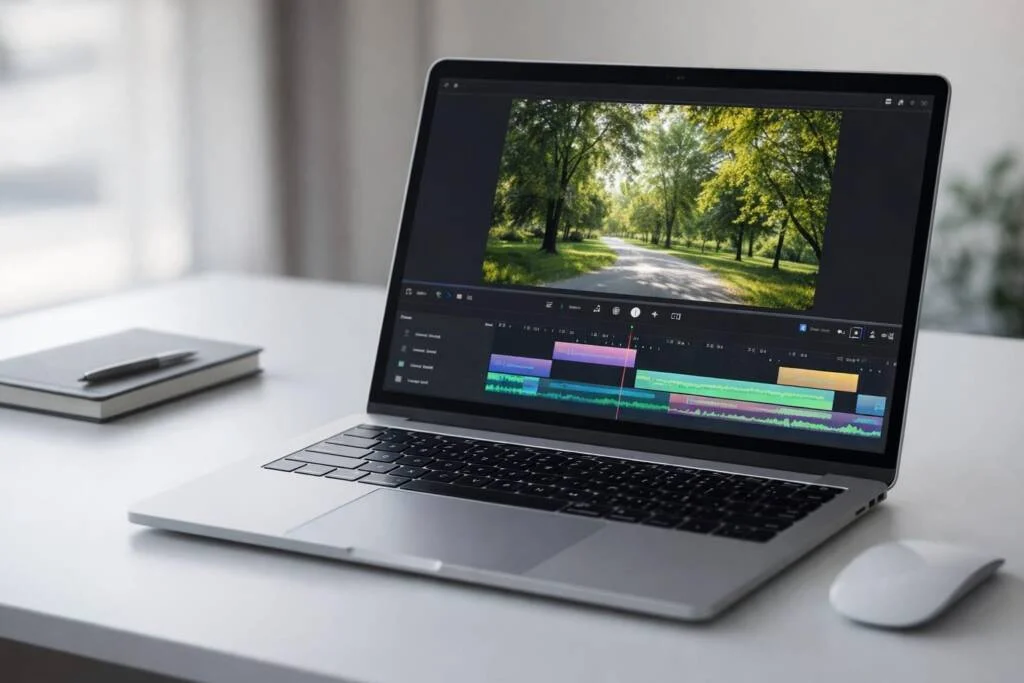
Video is the king in the digital era. Whether someone wants to be a YouTuber, a social media manager for a rising brand, or a parent trying to turn a messy video into an attractive one, the tools you choose can make or break it.
To make a slick, professional-looking video, with a user-friendly video editor or a free video editor with no watermark already elevates you above the majority of the creators. You don’t need a degree in cinema or a Hollywood-sized budget. You just need a reliable video maker and video trimmer.
I’ve tested more video editors than I can count. Some were used on coffee-fueled deadlines, others at 2 a.m., fixing a single awkward cut. Trimming is always where a video either comes alive or quietly falls apart.
But here’s the catch. The market is flooded with tools. Some are too complex, some are too expensive, and some leave an ugly watermark right in the middle of your video. In this guide, we’ll look at the best tools available in 2026, how to choose between online and desktop software, and how to improve your workflow without overthinking it.
Most people think video making is about effects, filters, and music. Those help, but the real magic happens in the cuts. A good video maker and video trimmer isn’t just about removing mistakes. It’s about pacing.
Imagine one of the cooking tutorials in which the chef uses four minutes to peel a potato. You’d click away. In clean trimming, you retain the hook, you take off the fluff, and leave people watching.
In 2026, attention spans are short. One of the best skills of editing is to know how to trim well.
We have all been in that position, hanging over the cut button, whether a short pause spoils the joke or makes it impact better. This moment of uncertainty is the process of editing.
While selecting a tool, do not use the first tool that appears. An effective video trimming tool must not slow down the editing process.
Many basic trimmers only cut in full seconds. That’s frustrating when editing music or dialogue. A better tool lets you zoom into the timeline and cut exactly where you want, so transitions feel smooth.
If you require a long tutorial to import a file, the tool is not for you. A plain drag-and-drop timeline, such as those found in CapCut or Clipchamp, is the best fit for the majority.
Your trimmer should support common formats like MOV, MP4, and WebM. It should also let you change aspect ratios after trimming. This is important if you’re editing for YouTube, TikTok, and Instagram in the same week.
Online tools should offer cloud rendering to reduce strain on your computer. Desktop video makers should utilize your GPU, allowing previews to stay smooth instead of freezing.
Based on current use and feedback, here’s how popular tools compare for basic video making and trimming.
CapCut is one of the most popular video maker and video trimmer tools because it’s fast and easy to use. Its magnetic timeline snaps clips together when you trim, so gaps don’t appear. Auto-Caption lets you edit using spoken text, which speeds things up. For many creators, it simply feels natural.
This choice depends on your setup and how often you edit.
Tools like Kapwing and 123Apps are flexible and easy to access.
Pros: You don’t need to install anything. One device can be used for editing while another is used to finish. Sharing projects is simple.
Cons: You depend on your internet connection. Exports can fail if your connection drops. Many free tools add watermarks unless you upgrade.
Watching an upload freeze near the end is frustrating.
Tools like Filmora or desktop CapCut offer more power.
Pros: They work offline and handle large files better. You can drag files straight from your computer and start editing.
Cons: They take up space and use more system resources. Older laptops may slow down or get loud during heavy edits.
The phrase “video maker and video trimmer” used to mean manual work and careful listening. In 2026, AI helps speed things up.
Tools like Clipchamp and Descript can find long pauses and remove them with one click. This helps videos feel tighter without extra effort.
Turning wide videos into vertical ones is easier now. AI tracks movement and keeps the main subject centered.
Some editors detect words like “um” or “uh” and remove them smoothly. The goal isn’t perfection. It’s clarity.
Each platform works differently, but a few rules help everywhere.
The 3-Second Rule: On TikTok and Reels, the first few seconds decide everything. Start with action, not long intros.
Scroll behavior is fast. If the opening feels accidental, people move on.
J-Cuts and L-Cuts: Letting audio overlap cuts make transitions feel more natural.
Pacing: Fast tutorials usually need a cut every 2–4 seconds. Slower videos can hold shots longer.
Safe Zones: Platform buttons cover parts of the screen. Keep important visuals out of those areas.
Even good tools won’t fix these mistakes.
Over-Trimming:
Some pauses help ideas land. Cutting too much can make videos stressful to watch.
Ignoring Audio Pops:
Cutting audio too sharply can cause clicks. Small fades keep things smooth.
Quality Loss:
Repeated exports reduce quality. Lossless trimming helps when you’re not making major changes.
If editing feels overwhelming, keep it simple.
Import your footage
Trim obvious mistakes
Arrange clips in order.
Add music or captions if needed.
Export at 1080p, 30 or 60fps, MP4
That’s enough to get started.
Open the video, select the part you want to keep, cut the rest, and export the file.
No. The original file stays unchanged unless you manually overwrite it.
Yes. Some tools offer lossless or smart trimming that cuts without re-encoding.
Use a simple online trimmer or mobile app with drag-and-drop cutting.
Straight cuts, jump cuts, J-cuts, and L-cuts are the most common.
A video maker video trimmer is nothing more than a tool at the end of the day. It does not matter whether you use an AI-powered editor, a smartphone application, or just a basic online editor, and so on; the idea is to tell a better story.
There is no better method of learning than to begin trimming. Get a long video on your phone and convert it to a good 30-second clear version. Editing becomes less difficult but never automatic. That's normal. When you begin listening, you will be amazed at how much noise you can remove.
 Supriyo Khan
 Supriyo Khan
 Supriyo Khan
 Supriyo Khan

Want to add a comment?