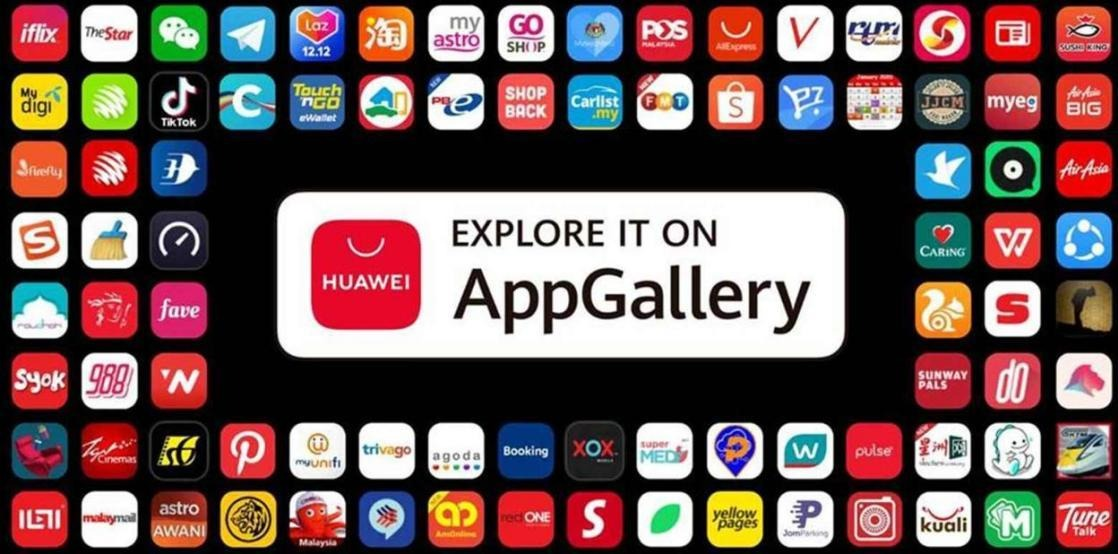
Huawei phone users often need alternatives to Google services due to compatibility issues. Fortunately, several high-quality apps meet everyday needs without relying on Google. This guide provides solutions for app stores, navigation, email, cloud services, and more. Whether you want official replacements or third-party marketplaces, you’ll find a combination that ensures your Huawei device functions smoothly. Dive into options like Huawei AppGallery, Petal Maps, and browser-based access that promise to redefine how you experience mobile technology. Explore these adaptable and user-friendly alternatives to transform your device into an efficient tool, achieving comprehensive functionalities without a hitch. Discover how these alternatives align with your requirements and enhance your overall experience with ease.
Huawei’s AppGallery is a solid alternative to the Google Play Store. It offers a wide range of applications, ensuring users can access popular apps and discover new ones. With an intuitive interface, the AppGallery promises easy navigation and a seamless download experience. Petal Maps is Huawei’s answer to Google Maps, providing detailed navigation prompts, real-time traffic updates, and an interactive interface. Users benefit from advanced mapping features, including custom routes and offline access, ensuring they reach their destinations efficiently. These official solutions serve as cornerstone apps for Huawei users, maintaining the reliability and functionality expected in daily operations. Beyond app marketplaces, Huawei has built built-in services that replace popular Google apps. Huawei Email offers a comprehensive solution for managing emails efficiently, supporting multiple accounts, and a user-friendly interface. For cloud needs, Huawei Cloud delivers seamless syncing and reliable storage, safeguarding data across devices. Meanwhile, Celia, Huawei’s virtual assistant, provides hands-free support for tasks and inquiries, rivaling Google Assistant. These integrated services ensure Huawei users have robust access to essential mobile functionalities, minimizing disruptions and enhancing productivity by offering reliable, high-quality alternatives to Google’s offerings. Huawei phone users have access to various third-party app stores, broadening app availability. APKPure and Aptoide serve as excellent alternatives, providing access to a vast array of apps not available on Huawei’s AppGallery. These platforms ensure users can find necessary applications and stay updated with the latest versions. For security, users should prioritize well-reviewed stores known for managing safe applications. By utilizing these third-party marketplaces, Huawei users can effectively bypass limitations, ensuring continued access to essential and diverse apps that enhance their device’s functionality. This approach extends the usability and versatility of Huawei phones significantly. For services not natively supported on Huawei devices, browser-based access offers a practical fallback. Users can access Gmail, YouTube, and Google Drive via web browsers, preserving much of the functionality present in mobile apps. Progressive Web Apps (PWAs) enhance this experience by providing app-like functionality directly from the browser. Users can add shortcuts to their home screens, promoting ease of access and a more integrated feel. This method eliminates dependence on traditional app installation, ensuring that Huawei users continue to access essential services seamlessly, despite app store limitations or restrictions — and serving as a useful workaround when facing issues such as Google Classroom can't login school account on huawei. Tech-savvy users might explore virtual environments and APK solutions to expand app availability. Utilizing a third-party Android emulator can simulate a Google-friendly environment, providing access to restricted apps. Sideloading APKs from trusted sources broadens app choices, although it requires careful attention to security. Huawei users must verify the authenticity of APKs to prevent security vulnerabilities. These advanced methods open avenues for accessing a wider range of applications, making them ideal for intermediate to advanced users seeking comprehensive, albeit occasionally complex, solutions to enrich their device functionality substantially. Selecting the most suitable alternative depends on individual needs and technical comfort levels. For straightforward, user-friendly solutions, Huawei’s AppGallery, combined with built-in services like Petal Maps and Huawei Email are excellent starting point. Users valuing app diversity may prefer third-party app stores like APKPure. For those adept at navigating technology, browser-based apps offer convenient access without full installations, while virtual environments and sideloading cater to advanced users. Personal preference plays a critical role, so considering ease of use, security, and app requirements is crucial in making an informed choice that optimally balances usability and functionality. Choosing the right Huawei app alternatives enables users to enjoy a comprehensive mobile experience without Google services. With official replacements, third-party stores, and advanced workarounds, Huawei users maintain access to vital applications and services. Understanding these alternatives empowers users to seamlessly navigate app restrictions, ensuring devices continue to perform efficiently and effectively. By considering personal needs and exploring available options, users can maintain productivity, stay connected, and enjoy the innovation expected from Huawei devices, minus the inconvenience of missing Google apps. This adaptability ensures Huawei devices remain valuable tools in the ever-evolving tech landscape.Core Alternatives for Everyday Use
Official Replacement Apps — Huawei AppGallery & Petal Maps
Other Built-In Huawei Services — Email, Cloud, Assistant, etc.
Third-Party App Stores and Marketplaces
Workarounds & Advanced Options
Browser-Based Access and Web Apps as Fallback
Virtual Environments, Sideloading, and APK Solutions
Which Solution Fits Best — Matching Needs to Methods
Conclusion
 Supriyo Khan
 Supriyo Khan
 Supriyo Khan
 Supriyo Khan

Want to add a comment?